The business and user context
Recruiters spend hours manually extracting information from resumes and switching between spreadsheets, emails, and ATS tools. ResumeBar was built to bring that workflow into one intelligent platform.
Resume screening was slow, inconsistent, and filled with manual data entry. Recruiters couldn't quickly compare candidates or track pipeline status.
Reduce resume screening time by 60% and create a single source of truth for candidate data.
What we learned before building
Parsing is the bottleneck
Most recruiter time is spent reading and reformatting resumes.
Pipeline visibility is poor
Hiring managers couldn't see candidate status without asking.
Collaboration is fragmented
Feedback lived in emails and chat threads.
Principles that shaped the experience
Clean data hierarchy
Candidate cards prioritize status, skills, and experience.
Contextual actions
Quick actions appear on hover to reduce cognitive load.
Pipeline clarity
Kanban board shows hiring stage at a glance.
The technical breakdown.
Discovery
Defined core user flows and data model.
Parser Design
Built resume parsing logic with fallback heuristics.
UI Design
Created recruiter dashboard in Figma.
Development
Built frontend with Next.js and backend API.
Testing
Validated parsing accuracy across formats.
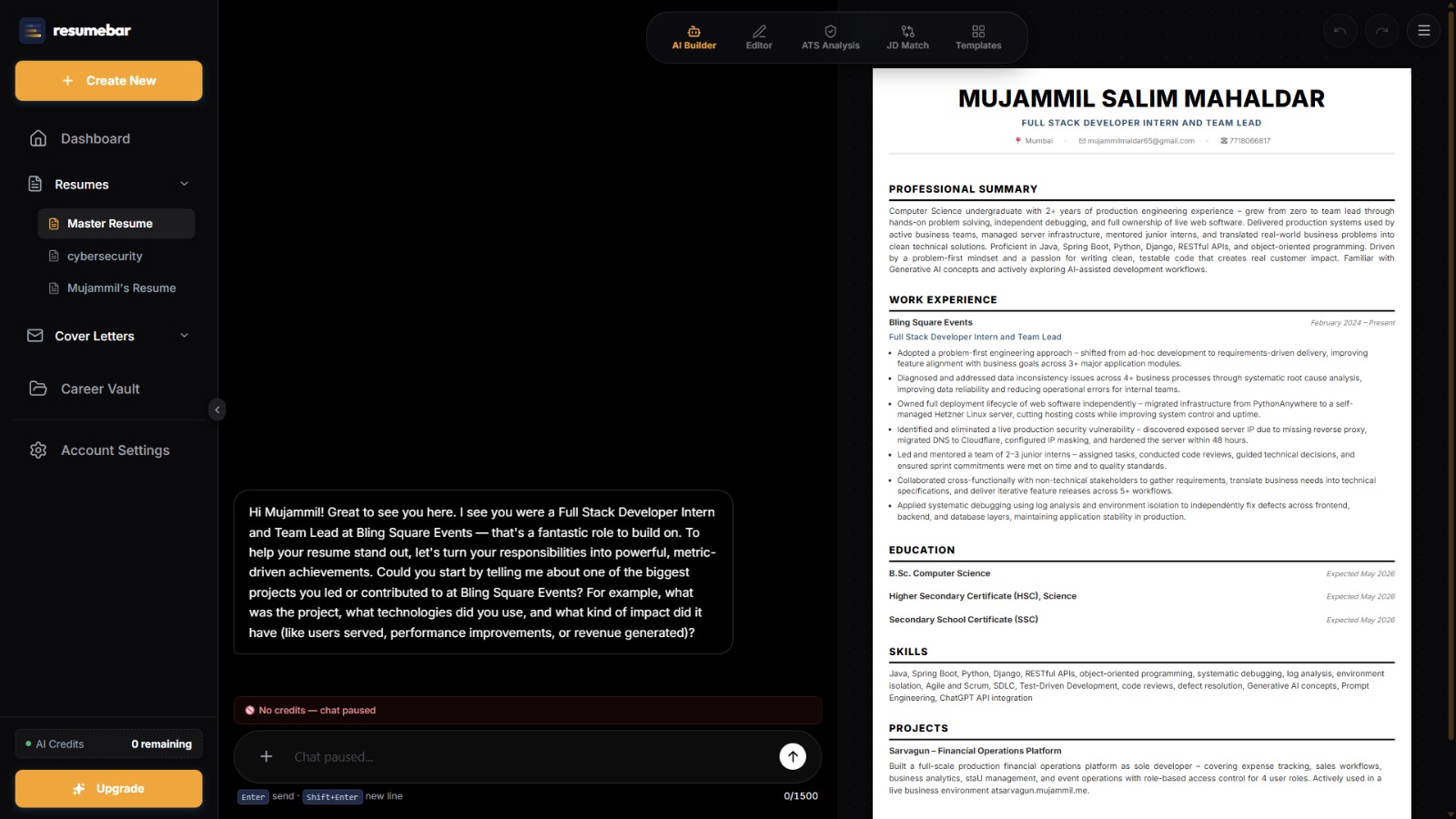
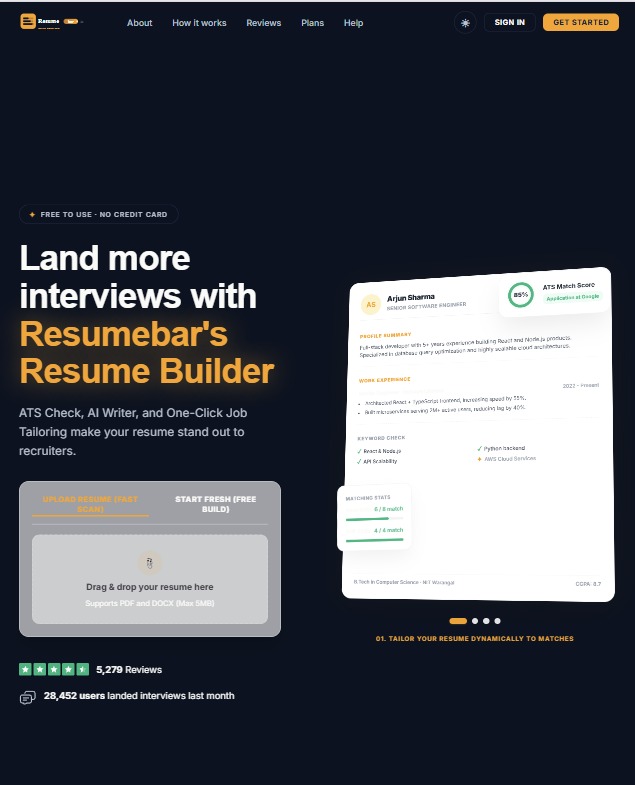
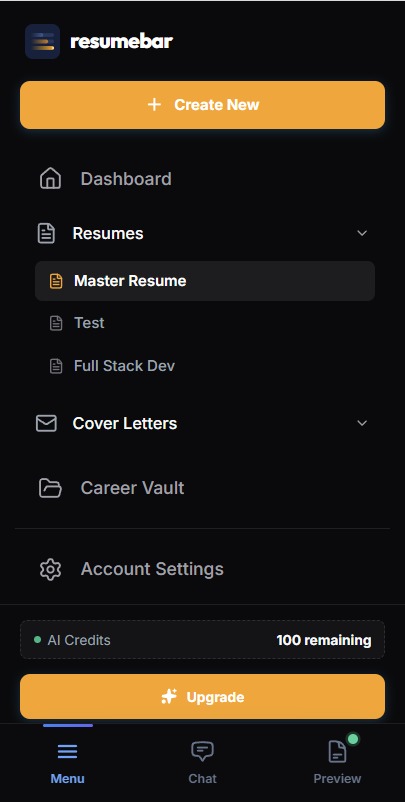
The solution across every screen
Results that moved the needle
ResumeBar cut resume screening time in half and gave recruiting teams a shared workspace to track, evaluate, and hire candidates faster.
Problems faced, solutions found, lessons learned
PDFs and Word files parsed differently
Created format-specific extractors and normalization layer
“Real-world data is messy; parsers need grace.”
Recruiters wanted bulk actions
Added multi-select and batch status updates
“Power users will save you hours if you let them.”
The stack that powered this project
See it in the wild
Explore the live product or review the codebase to see how it was built.